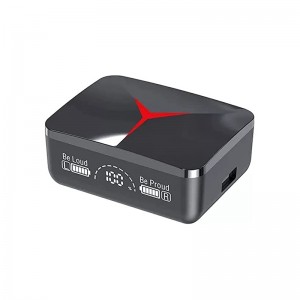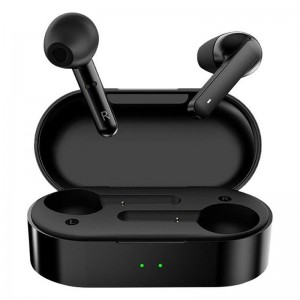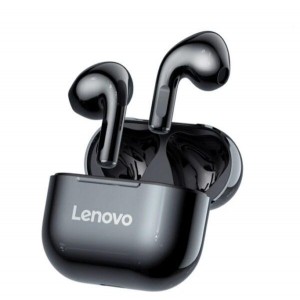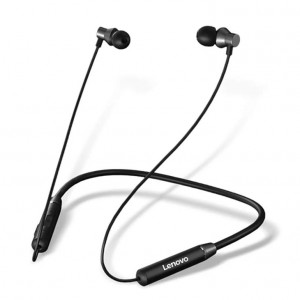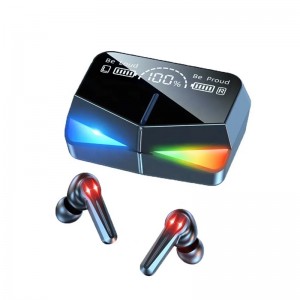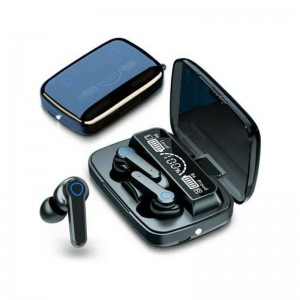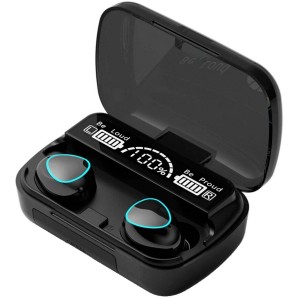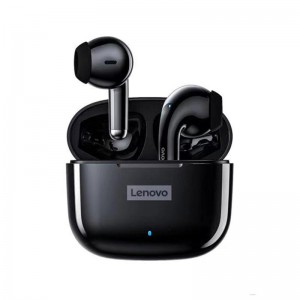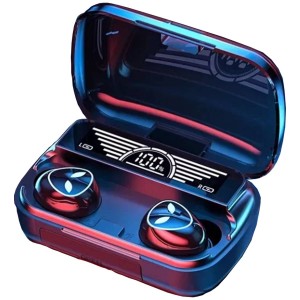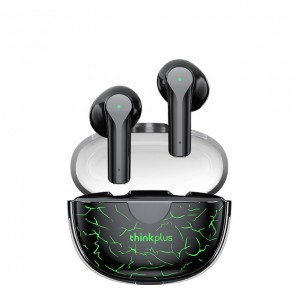





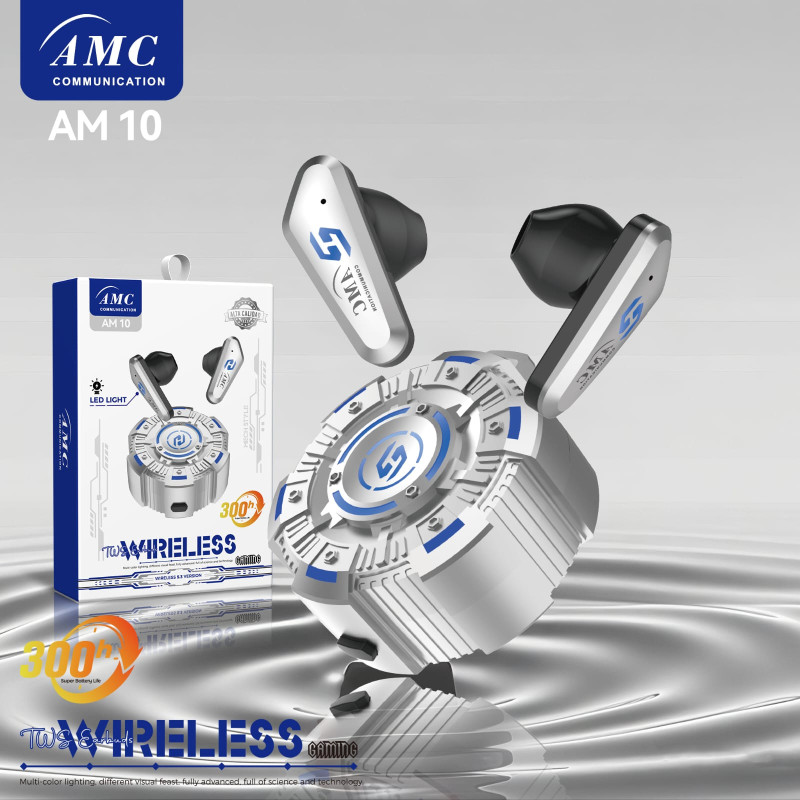
AMC AM-10 Gaming Earbuds

Highlights
Multi‑function Key
1. Power On: Pick up the headphones to turn on automatically, and the blue light flashes.
2. Power Off: Put it into the charging bin.

No Warranty

Karachi 2 Days | Other City : 3 to 4 working Days

In Stock
Bluetooth Headset Parameters
1. Bluetooth Version: BT5.49
2. Frequency: 20HZ–20KHZ
3. Power Display Support
4. Listening/talking Time: 6–9 H
5. Standby Time: About 180 Hours
6. Transmission Distance: > 10 M
7. Charging Time: About 2 Hours
8. LED Display: Blue Light
9. Sync Volume With Phone Volume: Three clicks on secondary ear volume – / master ear volume +
10. Apple earphone volume synchronization function: support iPhone volume synchronization
Function Instructions
3. Play: Click the function button.
4. Pause: Click the function button.
5. Answer/end the call: Click the function button.
6. Reject an incoming call: Press the earphone touch button for 1 second when an incoming call comes in.
7. Up/Down: Tap twice.
8. Voice Control: Hold down for three seconds to wake up Siri.
How To Pair The Headset
Open the earphone charging bin, take out the two earphones, and wait until one of the two earphones is on and the other is off before connecting the Bluetooth of the mobile phone.
This video(s) is for guidance and usage purposes. For actual product, kindly check details & images above.
Customer Reviews

Based on 0 reviews